What's new?

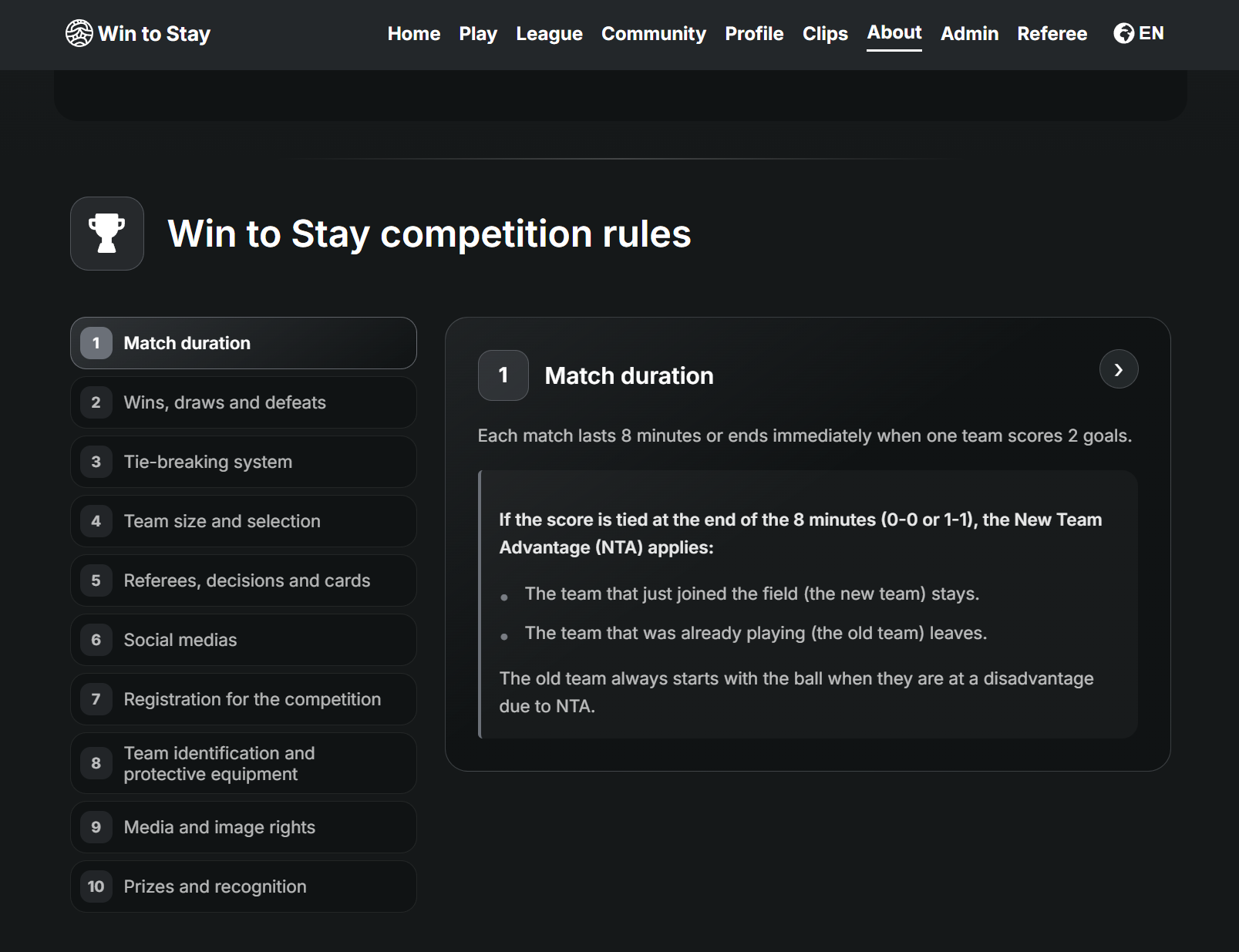
Competition rules, reimagined!

NEW DESIGN

• Discover a sleek, modern design with improved readability and a cleaner layout.
• Navigate effortlessly between 10 organized rule sections using the new interactive sidebar.
• Browse rules one by one with intuitive next and previous navigation.
Competition rules, reimagined!

Introducing Clips

APP NEW FEATURE NEW DESIGN

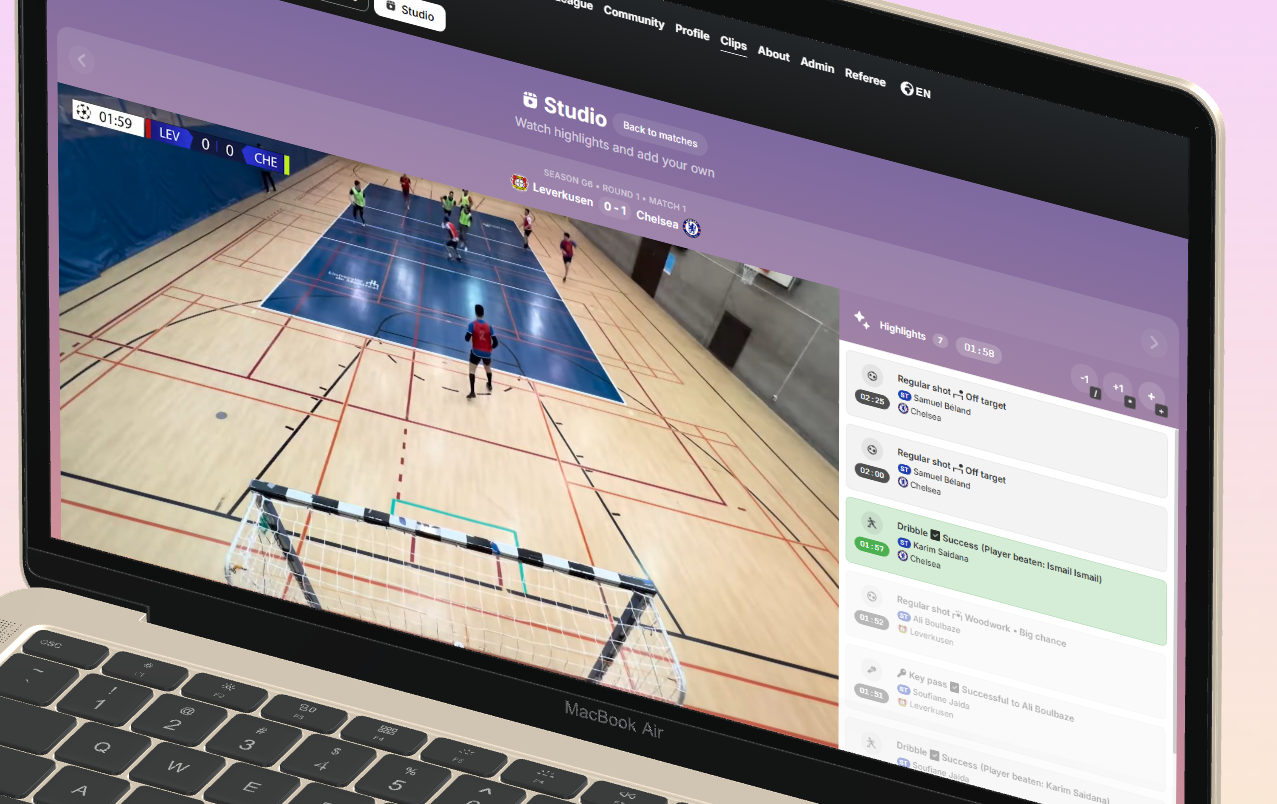
• Watch full match videos and create highlight clips directly in your browser.
• Press + to open the clip form and tag plays like shots, passes, dribbles, tackles, and fouls.
• Clips sync instantly across all users for real-time collaboration.
• Click any clip timestamp to jump straight to that moment or use keyboard shortcuts (Space to play/pause, / and * to skip).
• On mobile, swipe left on your clips to edit or delete them easily.
• Enjoy Auto-Sync Mode: the clip list follows your playback automatically, highlighting key moments as they happen.
• Switch to manual mode anytime to explore freely.

Introducing Clips

Stripe partnership for payments

NEW FEATURE

• New booking-aware payment flow with Stripe integration.
• Payment modal fully revamped with clear details and localized messages.
• Booking detection now allows free team changes after payment.
• A shiny success banner confirms when your booking is complete.
• Toast notifications improved with iOS-friendly swipe-to-dismiss gestures.
• Payment logic streamlined to handle free matches and direct joins more smoothly.

Stripe partnership for payments

Smoother scrolling everywhere

BUG FIX

• Fixed annoying scrolling issues in the hamburger menu on small mobile devices.
• Added smooth scroll support to all modals (shirt selection, payment, end match).
• Navigation and modals now feel easier and more natural to use.

Referee page is here

APP NEW FEATURE NEW DESIGN USER EXPERIENCE

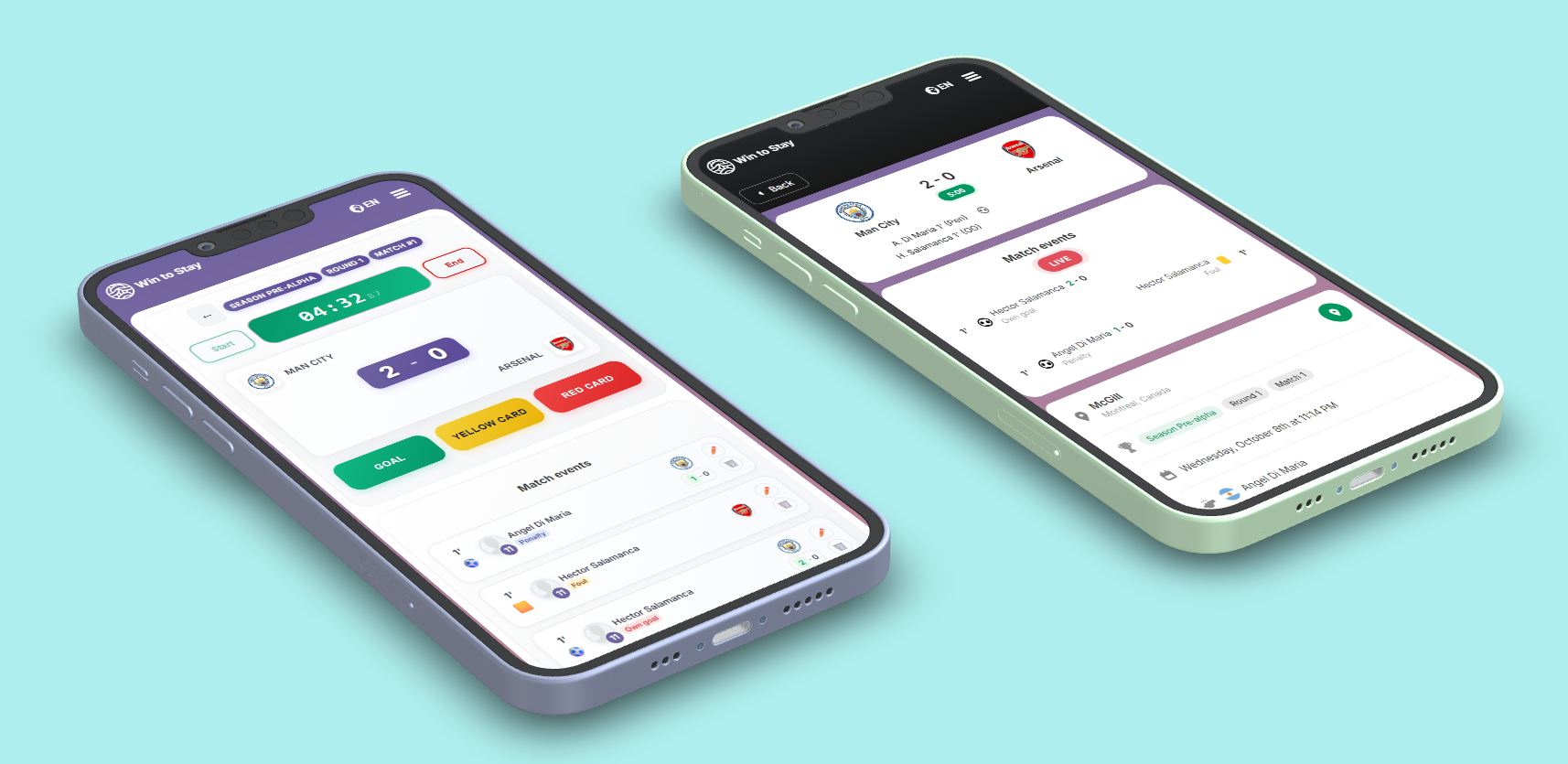
• Referees can now track match events in real time (goals, assists, penalties, yellow cards, red cards, own goals).
• All data updates instantly on the league page.
• Team rankings and standings adjust dynamically during matches.
• Player stats like top scorers and top assists update automatically.
• Match pages now feel alive with live referee input.
• Every stat is refreshed in real time, no reload needed.

Referee page is here

Precise timestamps now visible on hover

NEW FEATURE USER EXPERIENCE

• On desktop, hovering over a “time ago” label (e.g., “1 year ago”) will now reveal the exact date and time.
• This feature helps provide clearer context for actions and updates, especially on long timelines.

Precise timestamps now visible on hover

Enhanced shared match previews with dynamic Open Graph data

NEW FEATURE USER EXPERIENCE

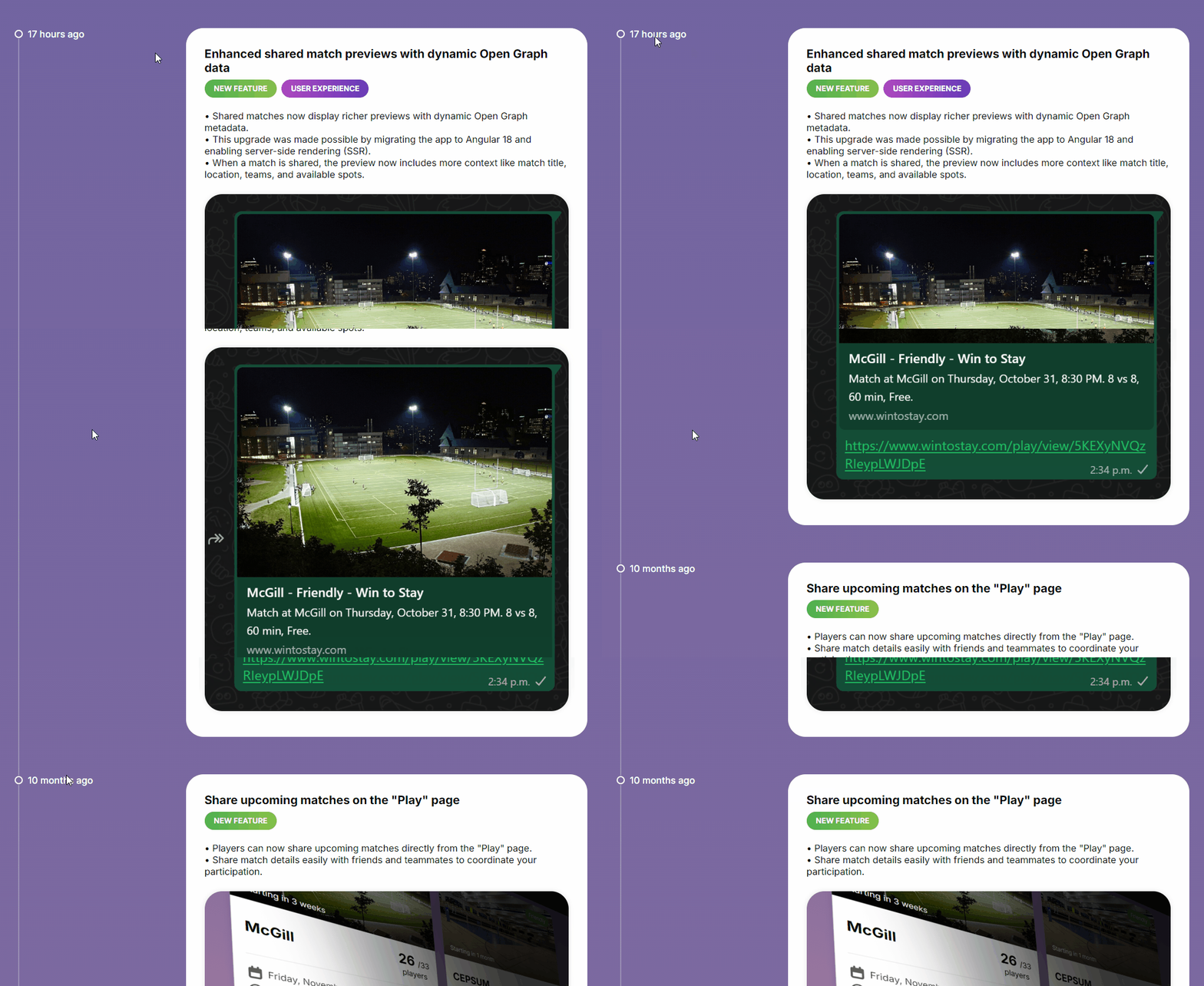
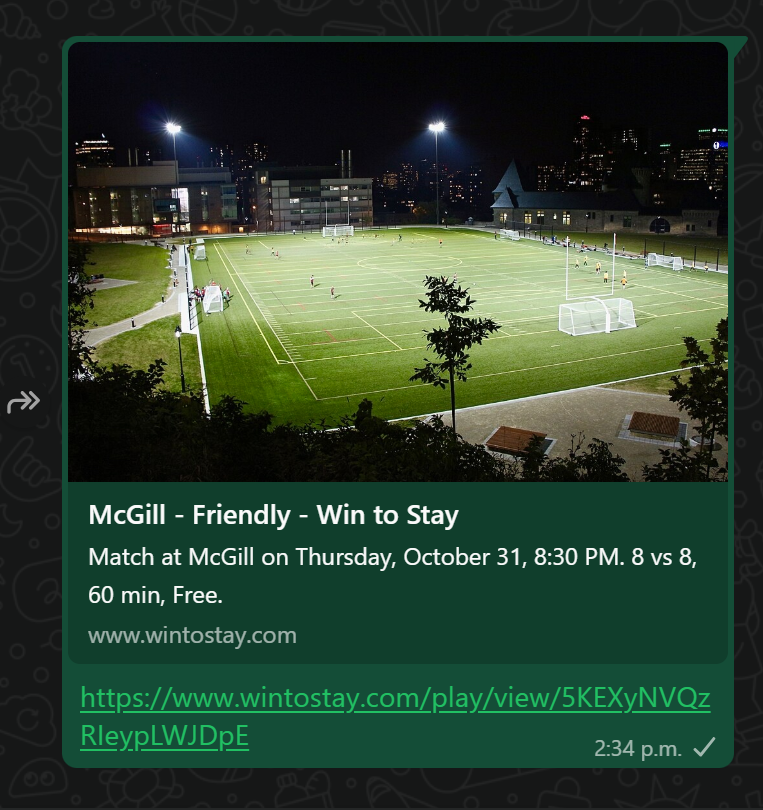
• Shared matches now display richer previews with dynamic Open Graph metadata.
• This upgrade was made possible by migrating the app to Angular 18 and enabling server-side rendering (SSR).
• When a match is shared, the preview now includes more context like match title, location, teams, and available spots.

Enhanced shared match previews with dynamic Open Graph data

Share upcoming matches on the "Play" page

NEW FEATURE

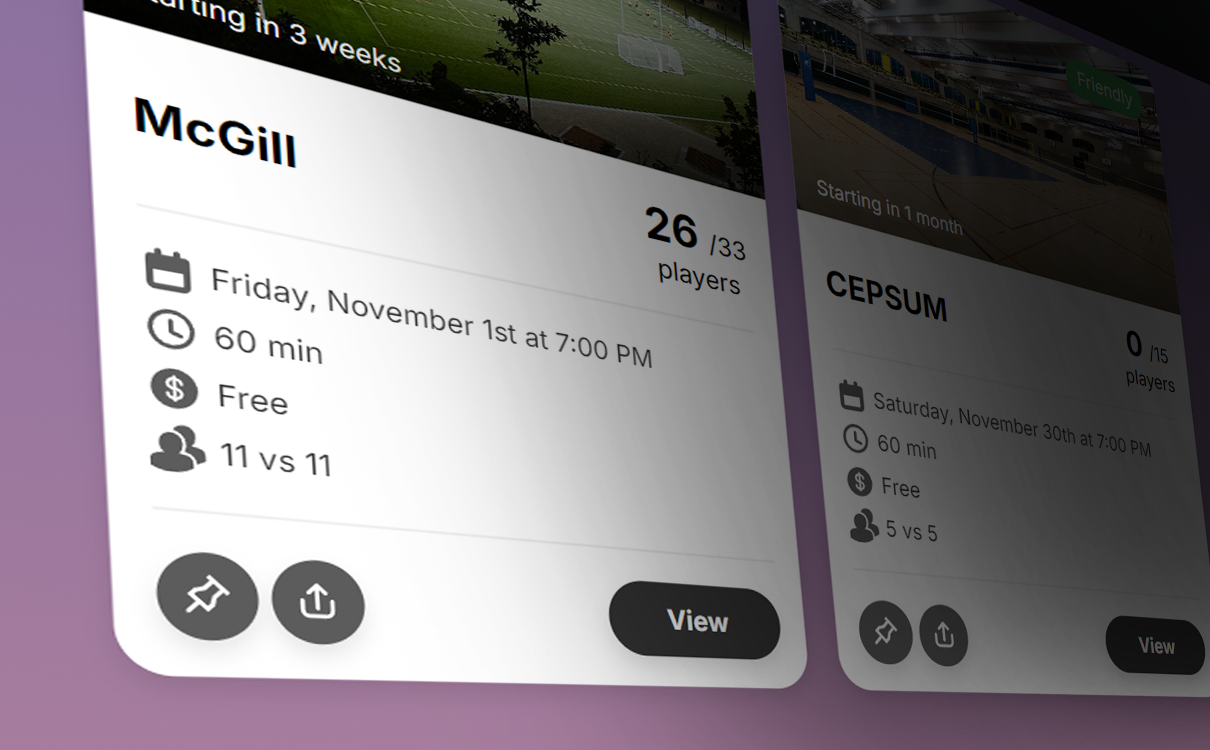
• Players can now share upcoming matches directly from the "Play" page.
• Share match details easily with friends and teammates to coordinate your participation.

Share upcoming matches on the "Play" page

Introducing the new "Play" page

NEW FEATURE NEW DESIGN

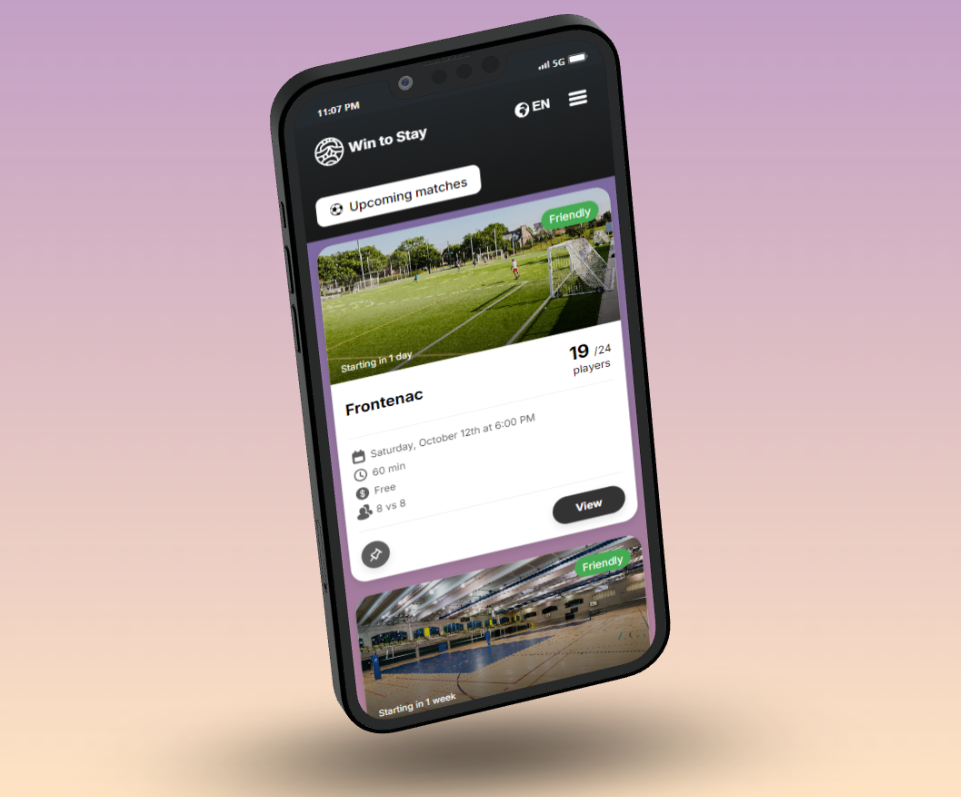
• Players can now sign up for friendly or competitive matches at their local stadiums and join them.
• Each match will have three default teams: Team A, Team B, and Team C.
• Real-time updates show the number of available spots and team compositions.
• Coordinate with friends to join the same team easily.
• Match details include stadium location on the map, price, duration, and more.

Introducing the new "Play" page

Added top contributors lightbox to the roadmap

NEW FEATURE

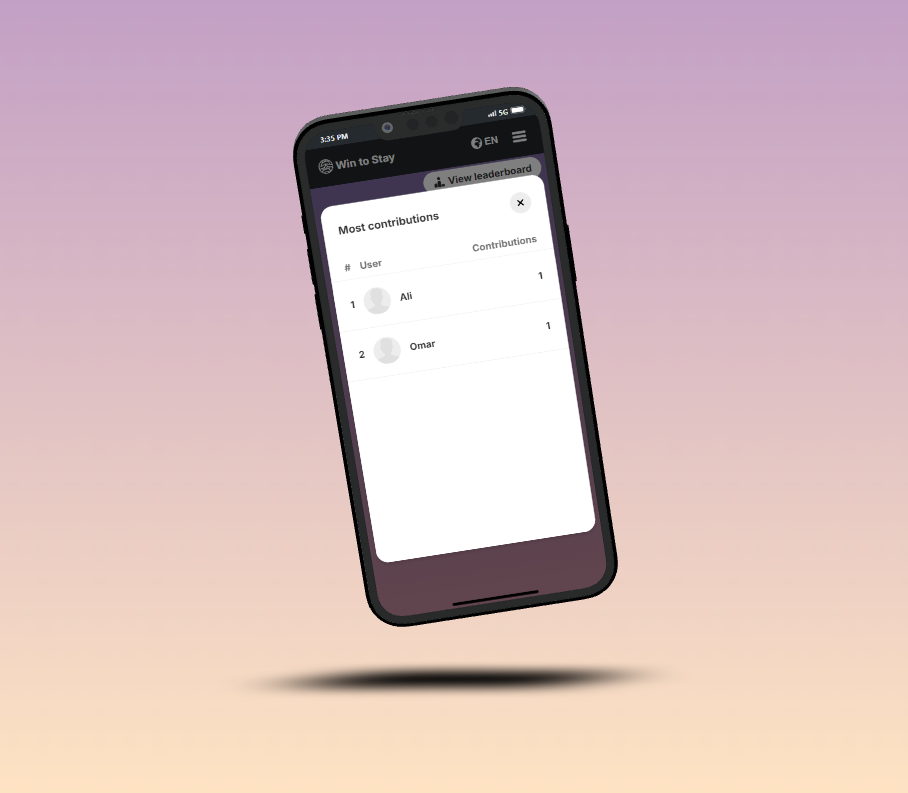
• A new lightbox has been added to the roadmap page, highlighting and grouping the top contributors for better visibility.

Added top contributors lightbox to the roadmap

New X icon added to homepage

NEW DESIGN

• The homepage now features an X icon for easier interaction and navigation.

New X icon added to homepage

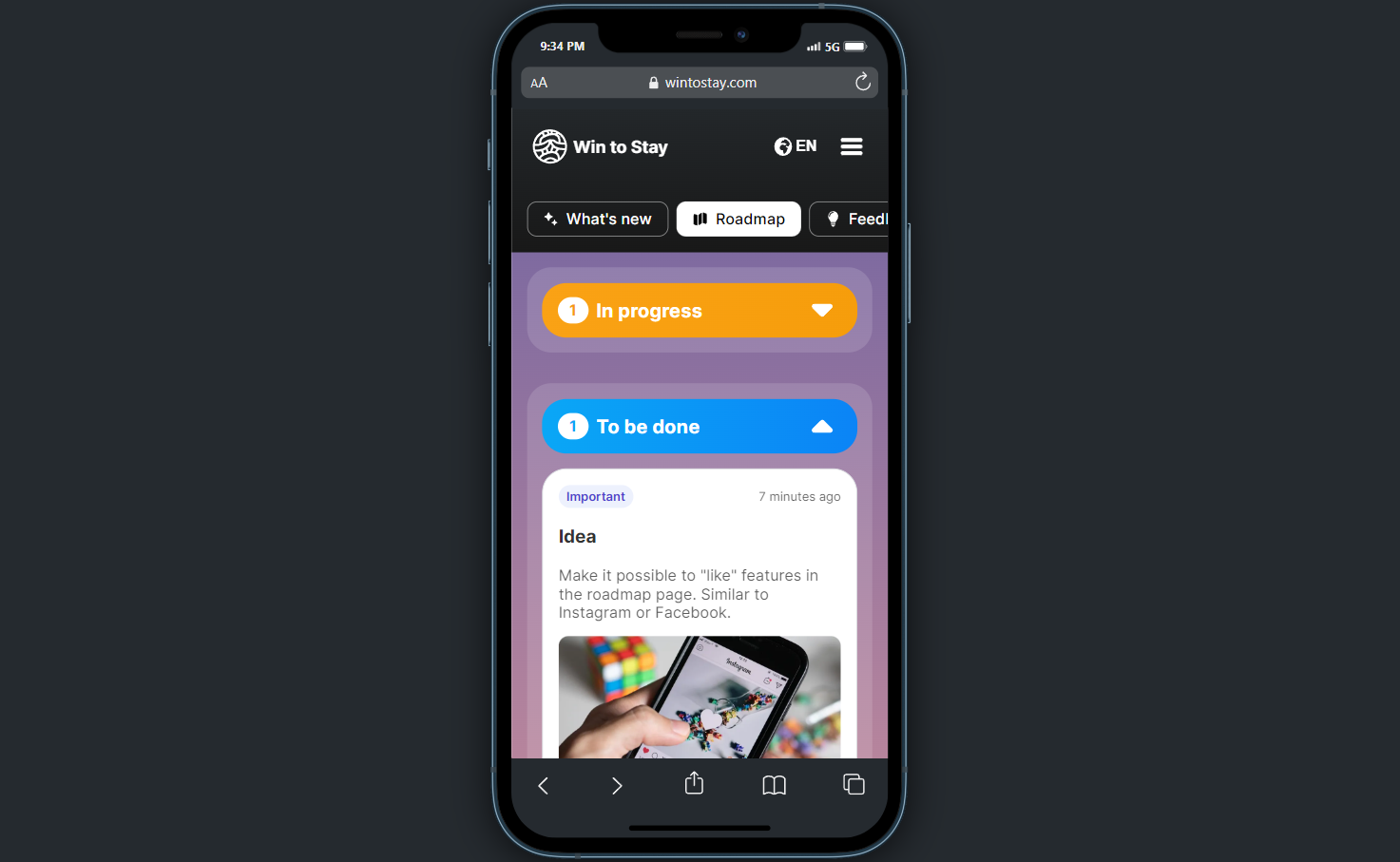
New "Done" section added to the roadmap

NEW FEATURE

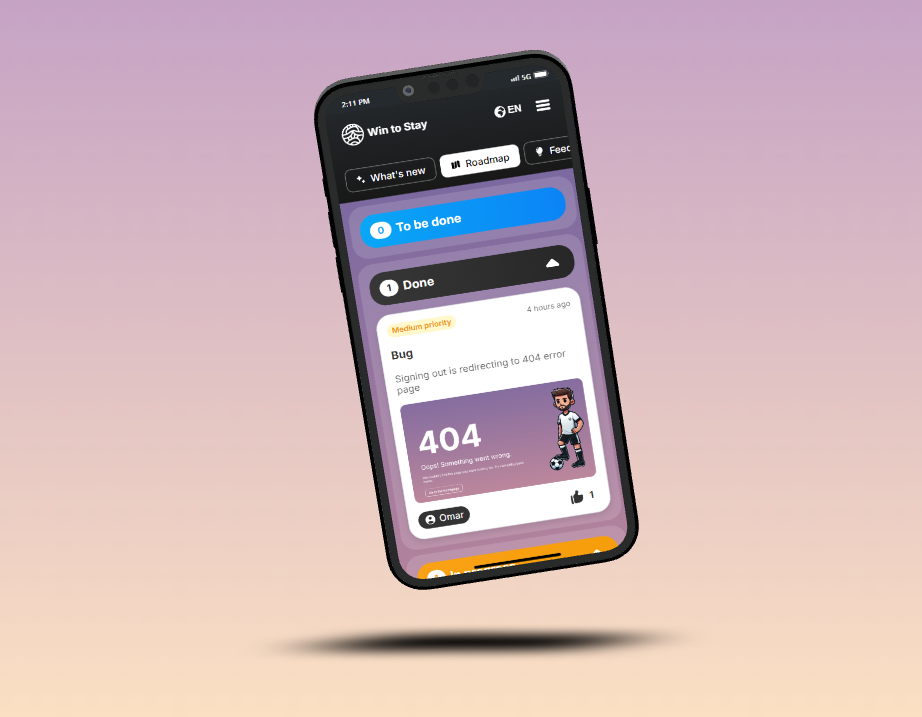
• The roadmap now includes a "Done" section to archive completed feedback.
• This allows users to track progress and see who contributed the most.
• We're also working on a ranking system to highlight top contributors soon.
• Fixed a bug where signing off led to a 404 error instead of the profile login page.
• Bonus: Panel states (Todo, In Progress, Done) will now be saved instead of resetting.

New "Done" section added to the roadmap

League page now available

NEW FEATURE NEW DESIGN

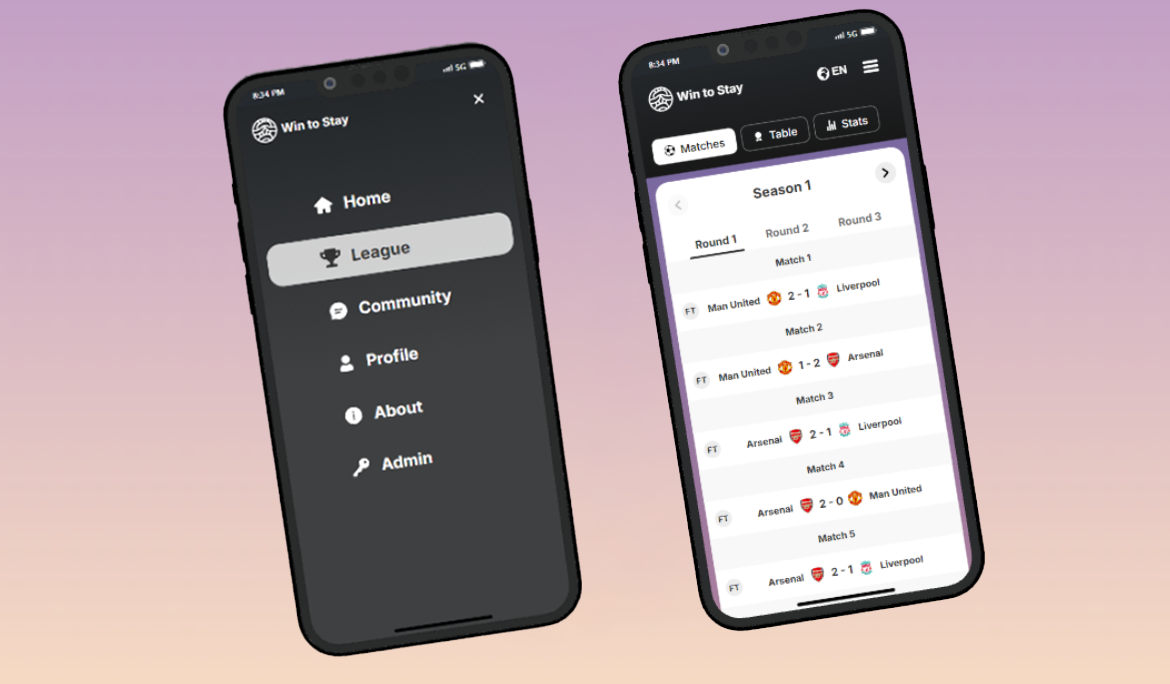
• Discover match details, including past and upcoming fixtures.
• View team rankings, stats, and recent form.
• Player stats are provided for deeper analysis.

League page now available

Header and menu refined

USER EXPERIENCE

• Added "Admin" page to the header and menu for admin users.

Mobile and sign-in bug fixes

BUG FIX

• Fixed the mismatch in width between the skeleton loader and the "What's New" change container on mobile devices.
• Corrected an issue where the Google sign-in flashed momentarily on the first load of the profile page.

Footer redesign

APP NEW DESIGN

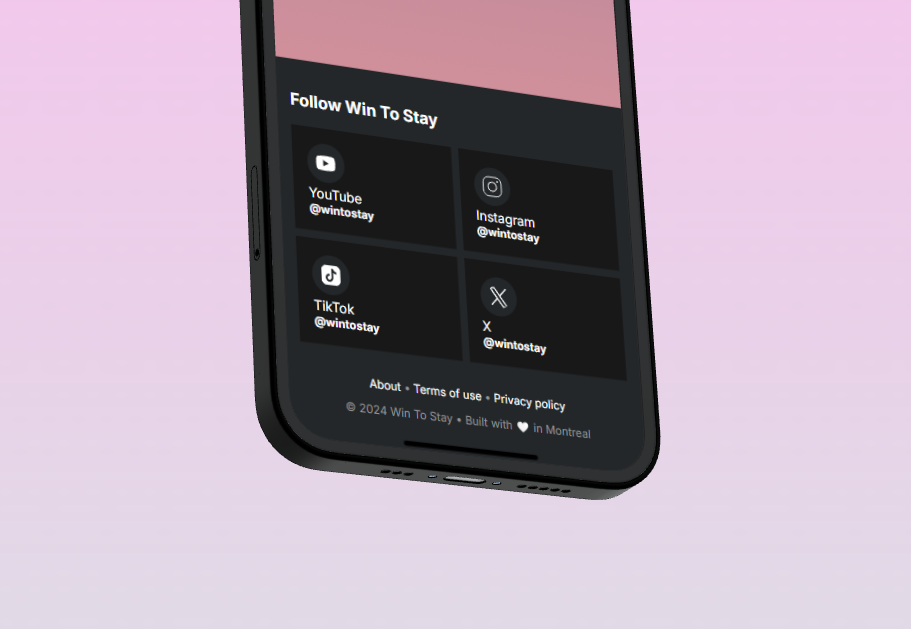
• Added X (formerly Twitter) to the list of social media links in the footer.
• Included new links for Terms of Use and Privacy Policy.

Footer redesign

Introducing the profile page

APP NEW FEATURE NEW DESIGN

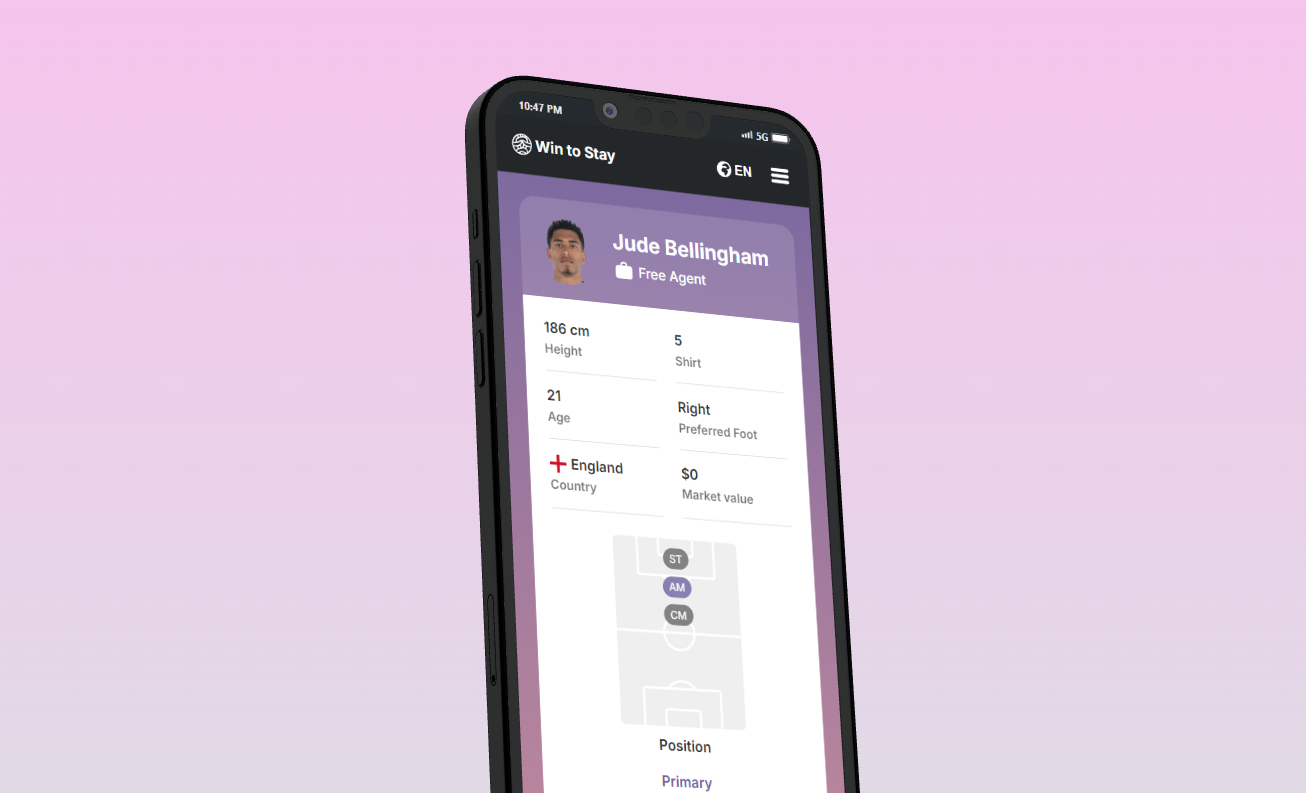
• Players can now sign up using Google and create their own profile.
• Your player profile will include general information, as well as physical and technical attributes.
• You can also edit your profile information at any time.
• Fixed a bug where text was overlapping the filter dropdown on the "What's New" page.

Introducing the profile page

New menu design on mobile

APP NEW DESIGN

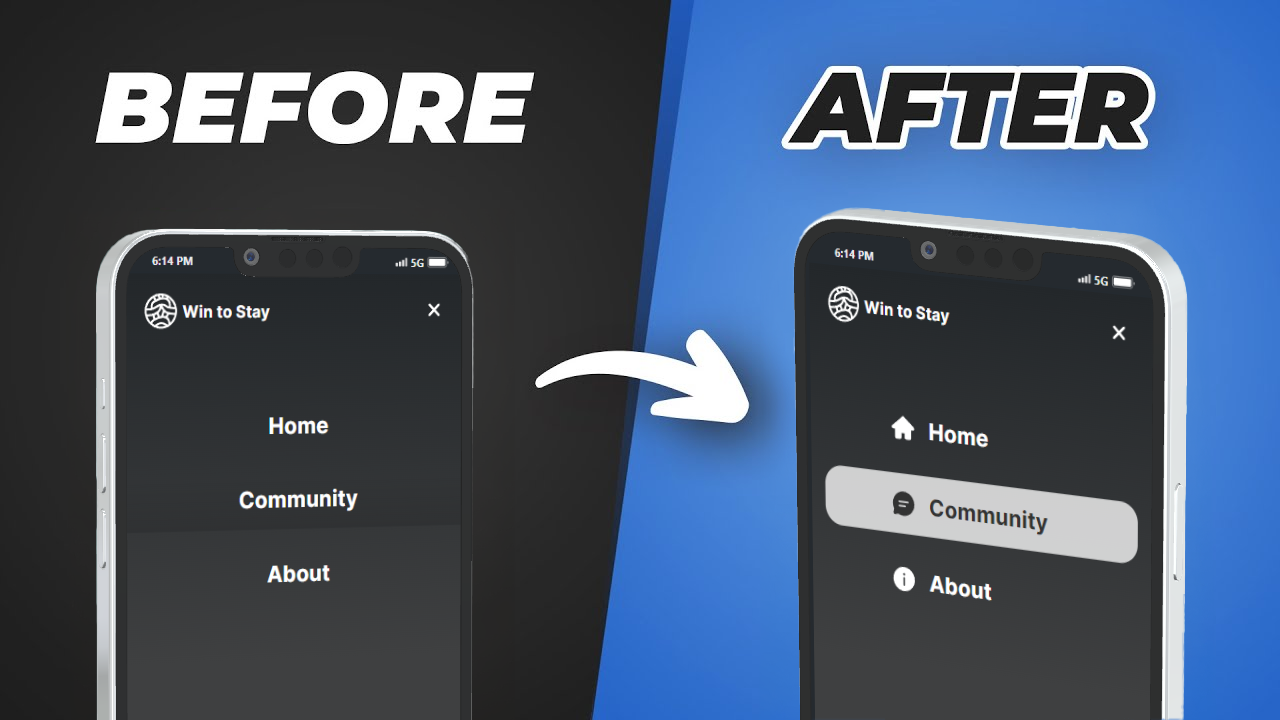
• The mobile menu has been revamped for a more user-friendly experience.
• Scrolling is blocked when the filter dropdown is open on the "What's New" page, requiring the dropdown to be closed before resuming scrolling.

New menu design on mobile

Dynamic feedback priority on roadmap based on likes

APP NEW FEATURE

• The priority of feedback on the roadmap page will now dynamically adjust according to the number of likes.
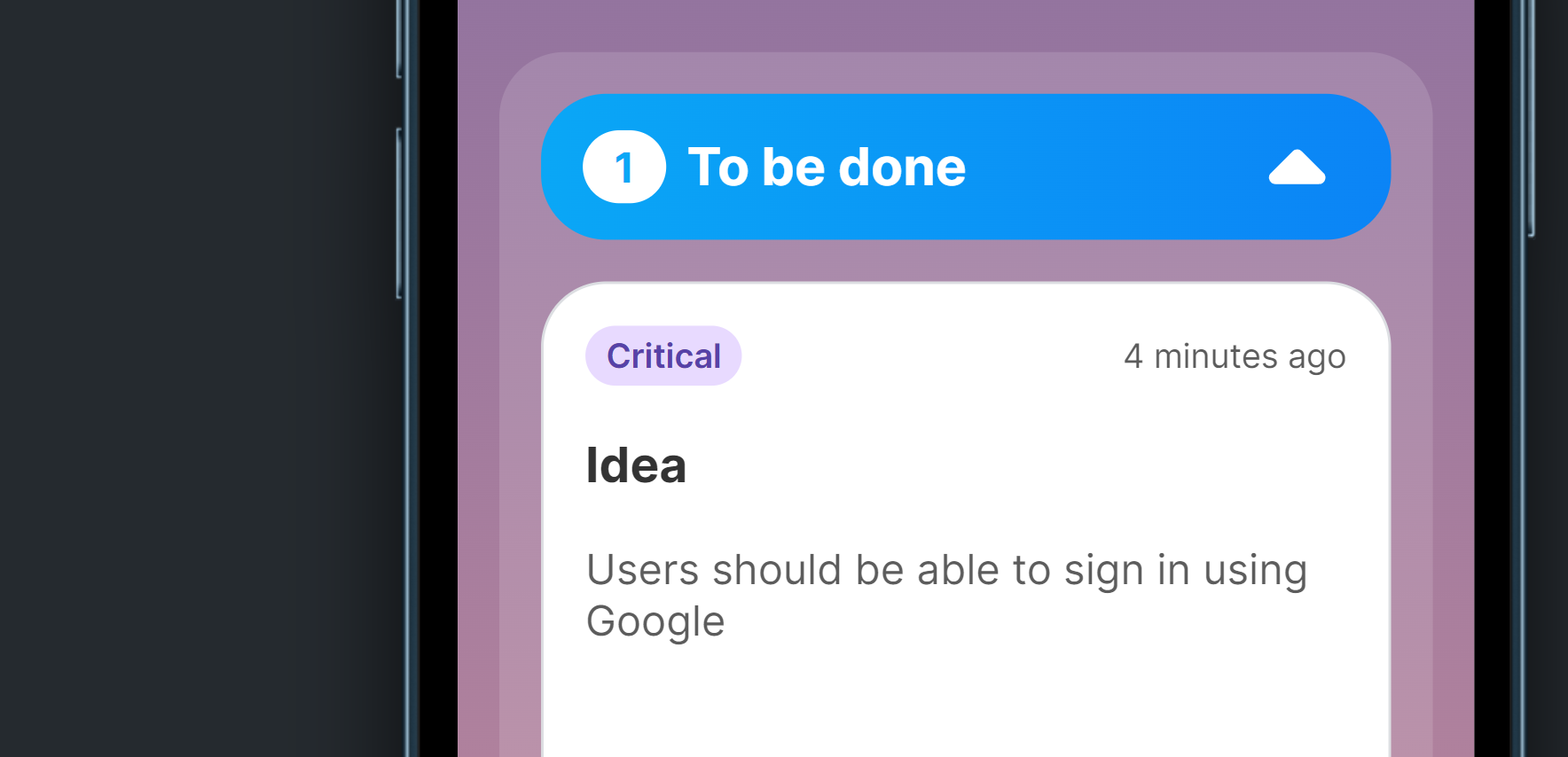
• The top liked feedback will receive critical priority.
• Other feedback will be categorized into high, medium, low, and no priority based on their likes.

Dynamic feedback priority on roadmap based on likes

New like feature for feedback on the roadmap page

APP NEW FEATURE

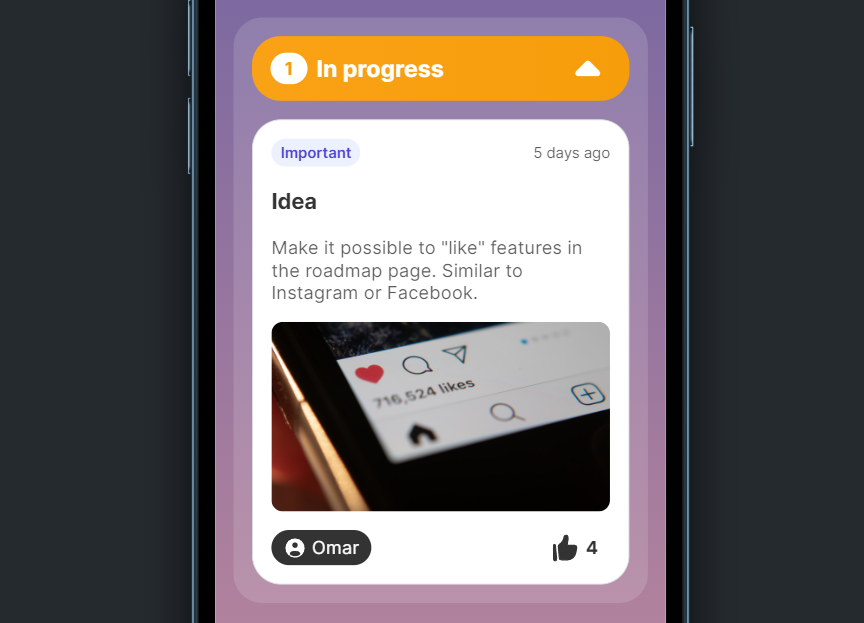
• Users can now express their preference by liking feedback.
• The feedback with the most likes will be prioritized.

New like feature for feedback on the roadmap page

Close button feature for expanded images on desktop

APP BUG FIX USER EXPERIENCE

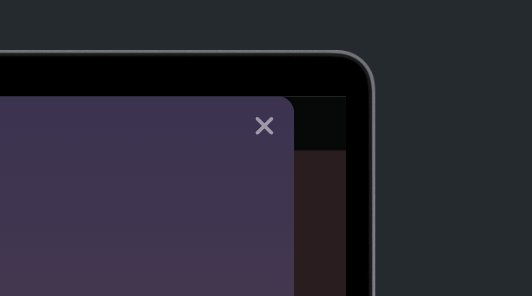
• Added a close button to make it easy for desktop users to close expanded images.

Close button feature for expanded images on desktop

New skeleton loader for "What's New" page

APP USER EXPERIENCE

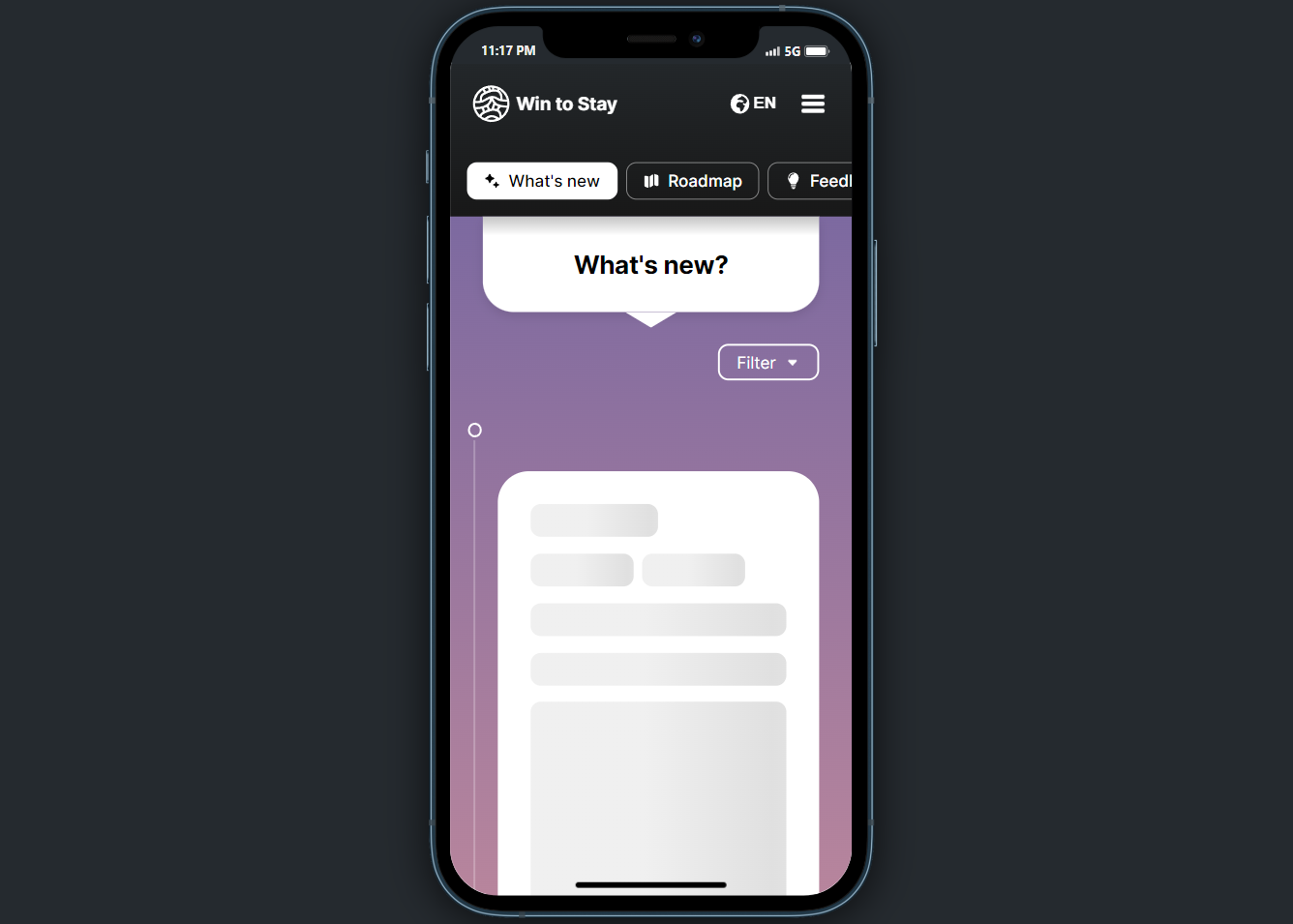
• Added a skeleton loader for a smoother user experience when loading changes on the "What's New" page.
• The skeleton loader offers a visual placeholder, improving responsiveness and engagement until the content is fully loaded.

New skeleton loader for "What's New" page

Introducing the roadmap page

APP NEW FEATURE NEW DESIGN USER EXPERIENCE

• Users can now track to-do items and in-progress tasks that were previously suggested by the community on the roadmap page.
• User feedback will be reviewed and added to the roadmap upon approval.
• Added a minor loading effect to the feedback submission process for improved experience.

Introducing the roadmap page

Automatically update elapsed time and prevent feedback spam

BUG FIX USER EXPERIENCE

• The elapsed time for changes and feedback is now updated every minute automatically.
• Spam prevention measures have been implemented for feedback submissions.

New Feedback Page Launched

APP NEW FEATURE NEW DESIGN

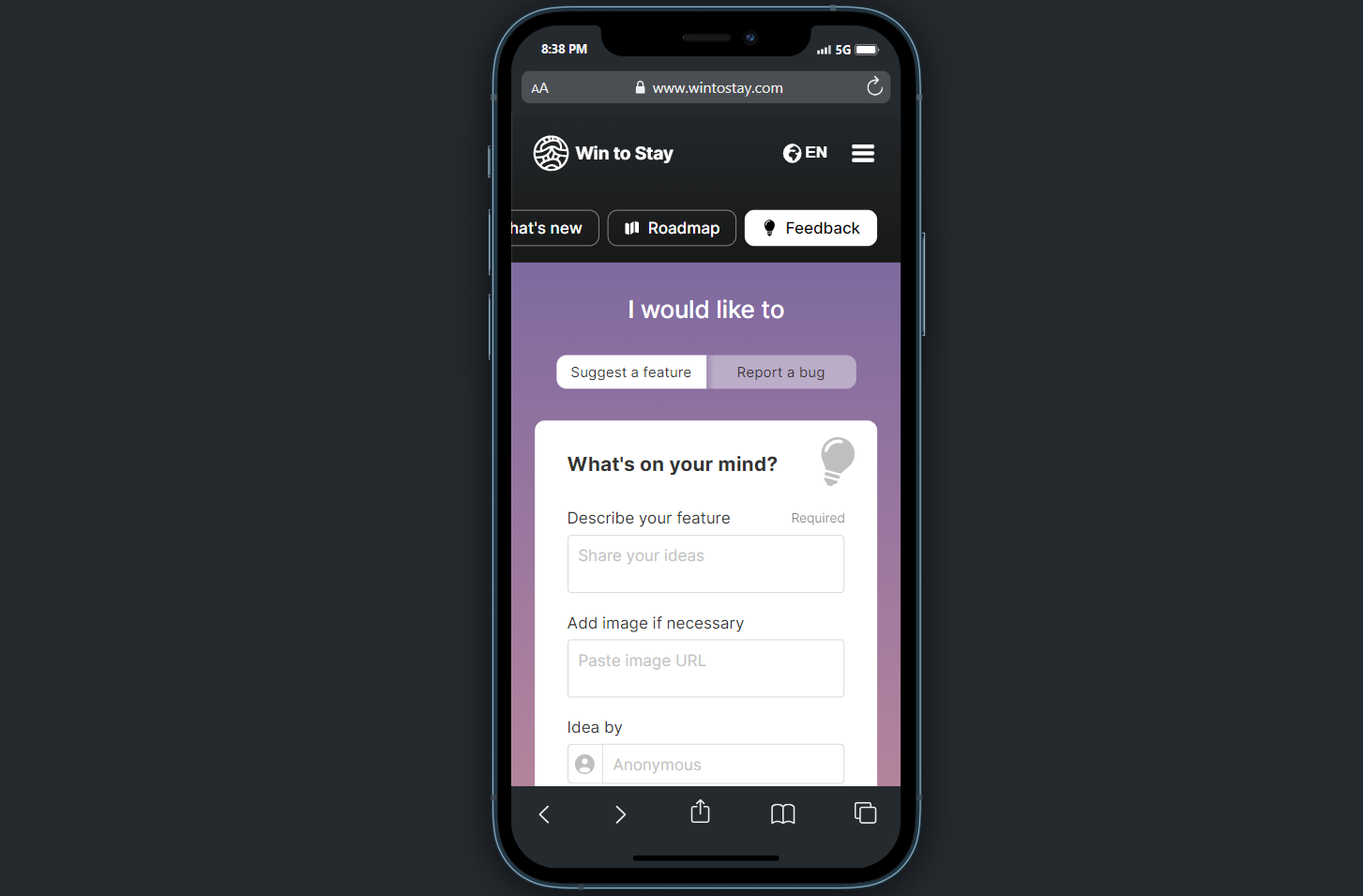
• We have launched a new Feedback Page!
• You can now help shape the future of our app by suggesting new features and reporting bugs.
• All submitted features will be reviewed, and approved ones will appear on the Roadmap page.

New Feedback Page Launched

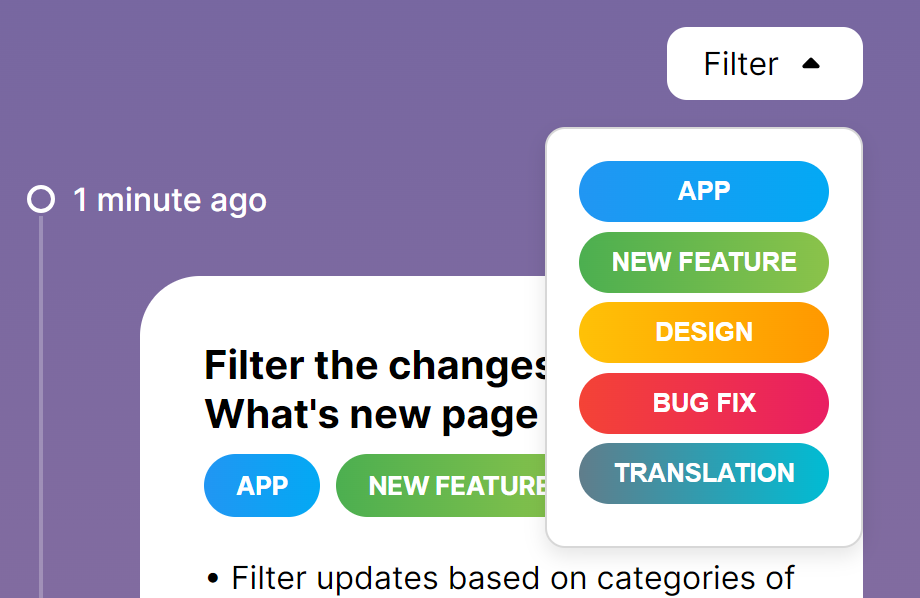
Filter the changes in the “What's New” page by category

APP NEW FEATURE

• Filter updates based on categories of your choice.
• Decide which types of changes to include or exclude.

Filter the changes in the “What's New” page by category

Images on the "What's New" page are now expandable and zoomable

APP NEW FEATURE

• Expand images and zoom in for a closer look.
• Swipe up or down to close the expanded image.
• Click on the backdrop to exit the zoomed view.

Images on the "What's New" page are now expandable and zoomable

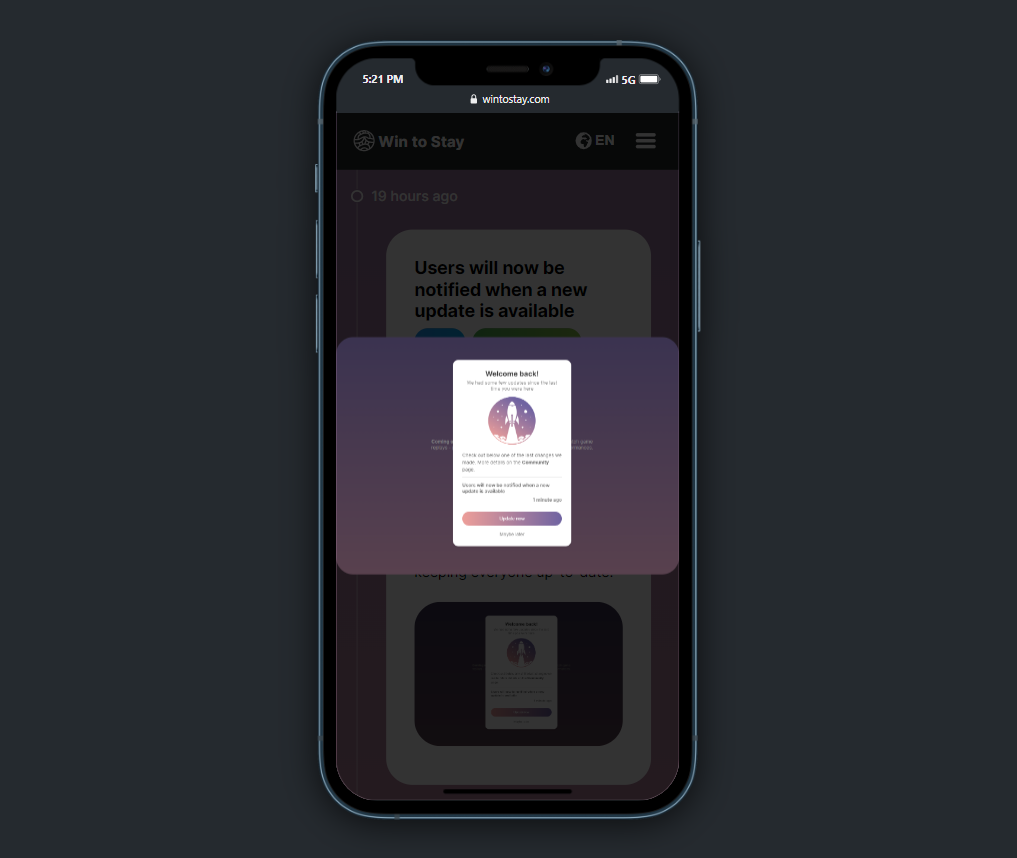
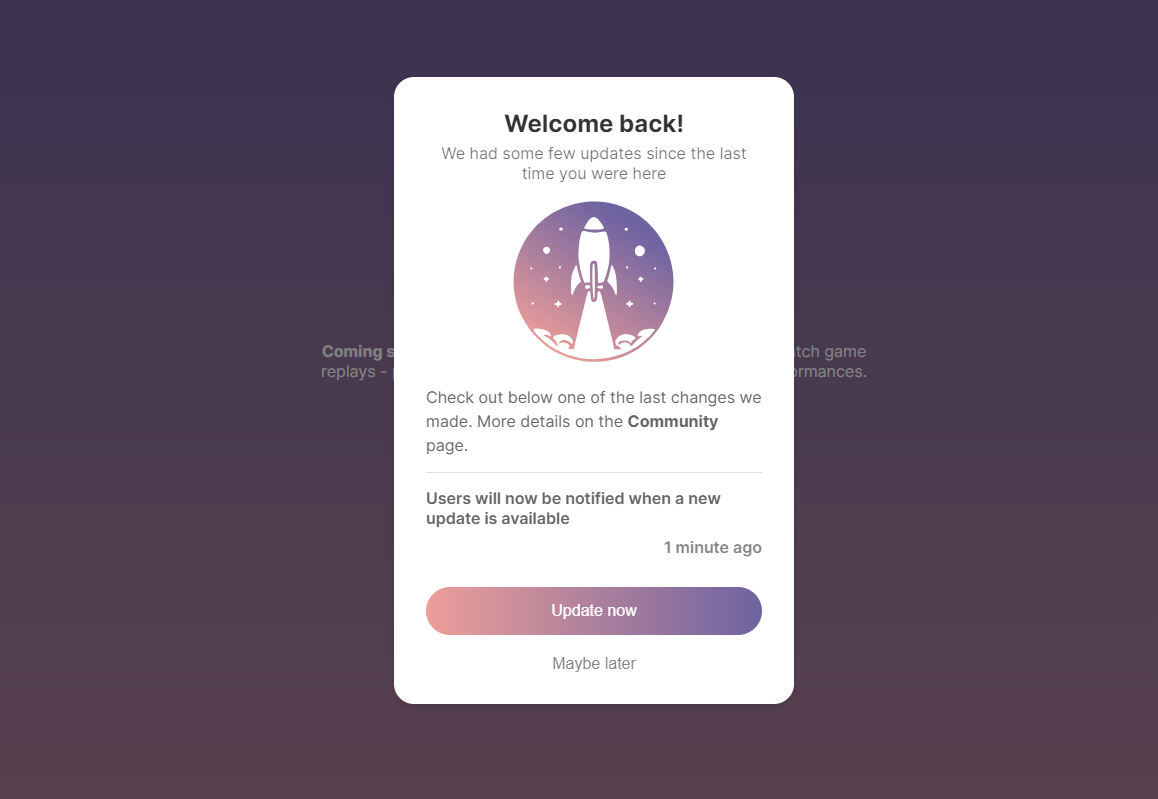
Users will now be notified when a new update is available

APP NEW FEATURE NEW DESIGN

• Users will be notified of new updates via a pop-up lightbox.
• The lightbox will provide a brief overview of the last change.
• Ensures all users are informed about the latest features and improvements.
• Enhances user experience by keeping everyone up-to-date.

Users will now be notified when a new update is available

Fixed a language mismatch error in the "What's new" page

BUG FIX TRANSLATION

Correcting a mismatch between the title and description language and the user's selected language.

Introducing the What's New Page

APP NEW FEATURE NEW DESIGN

Stay updated with the latest features, improvements, and exciting developments at Win to Stay. Discover what's new and explore how we're enhancing your experience with every update.

Introducing the What's New Page